Meta Lets Muse Users Build Custom Spaces Inside the App[1]
Spaces are available wherever users can access Muse.[2]
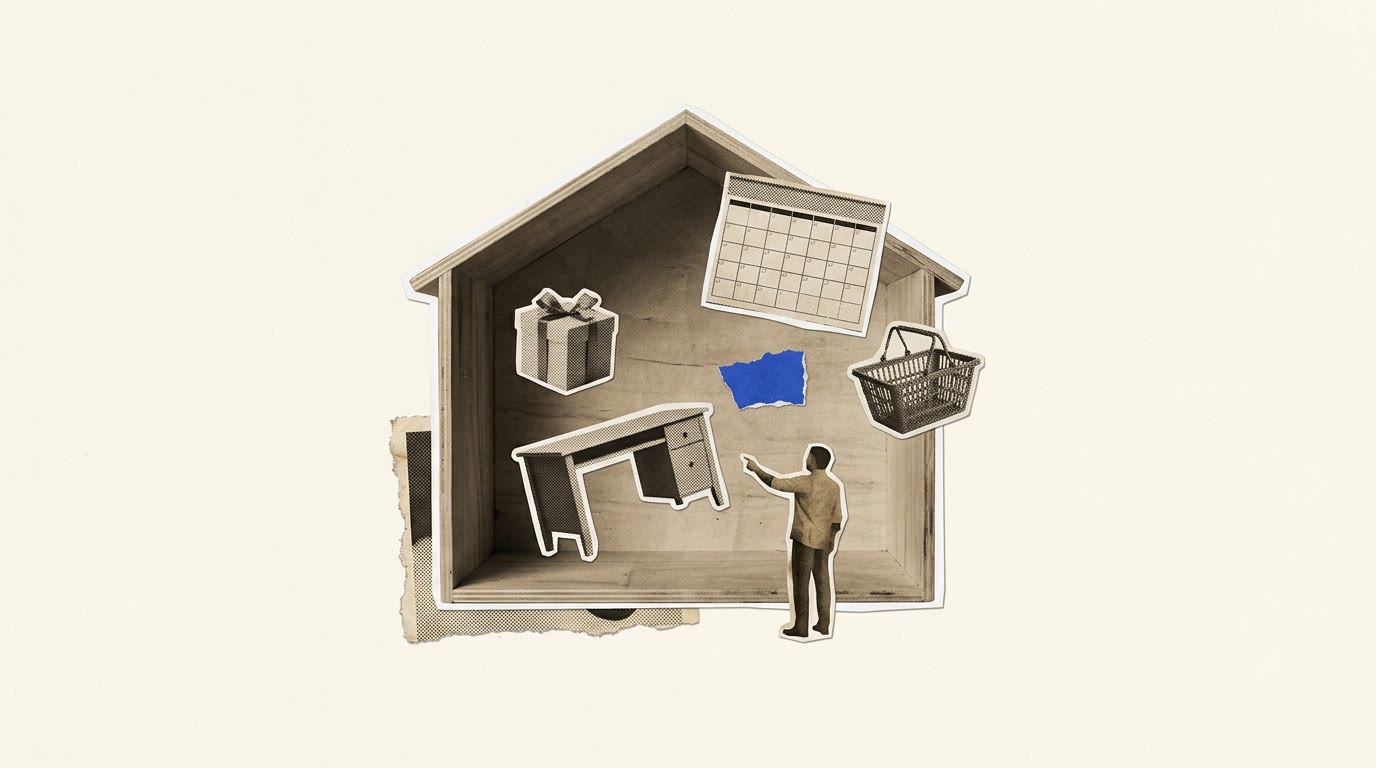
Meta introduced Spaces, personal tools you create inside Muse by describing what you want.[1] After creating one, you can work with Muse to change how it looks and works.[5]
Meta says possible Spaces include a shopping hub combining gift ideas, Instagram wishlists and Marketplace activity, or a school dashboard that finds relevant events in school emails and adds them to a calendar.[3][4]
Muse can connect to Gmail, Google Calendar, OpenTable and Notion.[7] Meta says connected apps let Spaces refresh information in the background without users having to ask.[6]
You can check off items, add notes and make edits directly inside a Space, and place it in the sidebar or main tabs.[8][9] You can also hide Spaces or schedule when they appear.[8]
Meta is exploring letting users share Spaces with others, but has not announced sharing as an available capability.[10]
Describe a personal tool you want in Muse, then adjust its appearance and functions to fit your routine.
HOW WE CHECKED IT
Every fact above is a numbered claim below. Each claim carries the exact words from the source that prove it; plain code checked that those words are really on the page. Then DeepSeek (deepseek/deepseek-v4.1-flash-1017) and Gemini (google/gemini-4-argon) voted on every claim without seeing each other's votes or the reporter's evidence, and a copy desk checked that every line says no more than its claims. No lab checks its own news. Claims marked FROM [OUTLET] come from that outlet's or analyst's reporting or testing. The Council checked that the source says it.
"A space is a custom experience you create inside Muse by describing your idea" SOURCE ↗
"Starting today, spaces are available everywhere Muse is available." SOURCE ↗
"A shopping hub that brings holiday and birthday gift ideas, wishlists from Instagram saves, and your Marketplace listings and buyer messages into one view" SOURCE ↗
"A school dashboard that finds the events relevant to your kids in school emails and adds them to your calendar" SOURCE ↗
"you can keep adjusting it with Muse, whether that’s adding what’s missing, trying a new look, or changing how it works." SOURCE ↗
"Connect the apps you use, and your spaces keep themselves up to date in the background, so new concert dates, price changes, or savings progress show up without you having to ask." SOURCE ↗
"If you connect an outside app to Muse — like Gmail, Google Calendar, OpenTable, Notion, and others Muse works with" SOURCE ↗
"Add them to your sidebar, move them into your main tabs, hide the ones you don’t need right now, and schedule when they appear." SOURCE ↗
"You can check things off, add notes, and make edits right in your space" SOURCE ↗
"We’re also exploring ways for you to share your spaces with others to build a more collaborative experience in Muse." SOURCE ↗
The reporter filed 1 more claim that was cut by the check or left out of the final copy, so it isn't published.
SOURCES
PUBLISHED NOV 6, 2026, 1:10 PM ET · ARCHIVED NOV 7, 2026, 7:41 AM ET · SHA-256 a3a85ab02e27
PUBLISHED NOV 6, 2026, 1:44 PM ET · ARCHIVED NOV 7, 2026, 7:41 AM ET · SHA-256 e26894f675ae
PUBLISHED NOV 6, 2026, 1:00 PM ET · ARCHIVED NOV 7, 2026, 7:44 AM ET · SHA-256 760f43ee7405
Spot an error? Email [email protected] with the story and a source. Corrections run on the story and on the ledger, permanently.